Rivals on Discord
Run tournaments where your community already lives. Brackets, payments, and payouts — all inside Discord.
Deploy to DiscordInstant Setup
Get tournaments running in minutes, not hours.
Steam Integration
Automatic lobby creation and match tracking.
Built-in Payments
Handle entry fees and winnings seamlessly.
Auto Brackets
Automated bracket progression as games finish.
How to Get Set Up
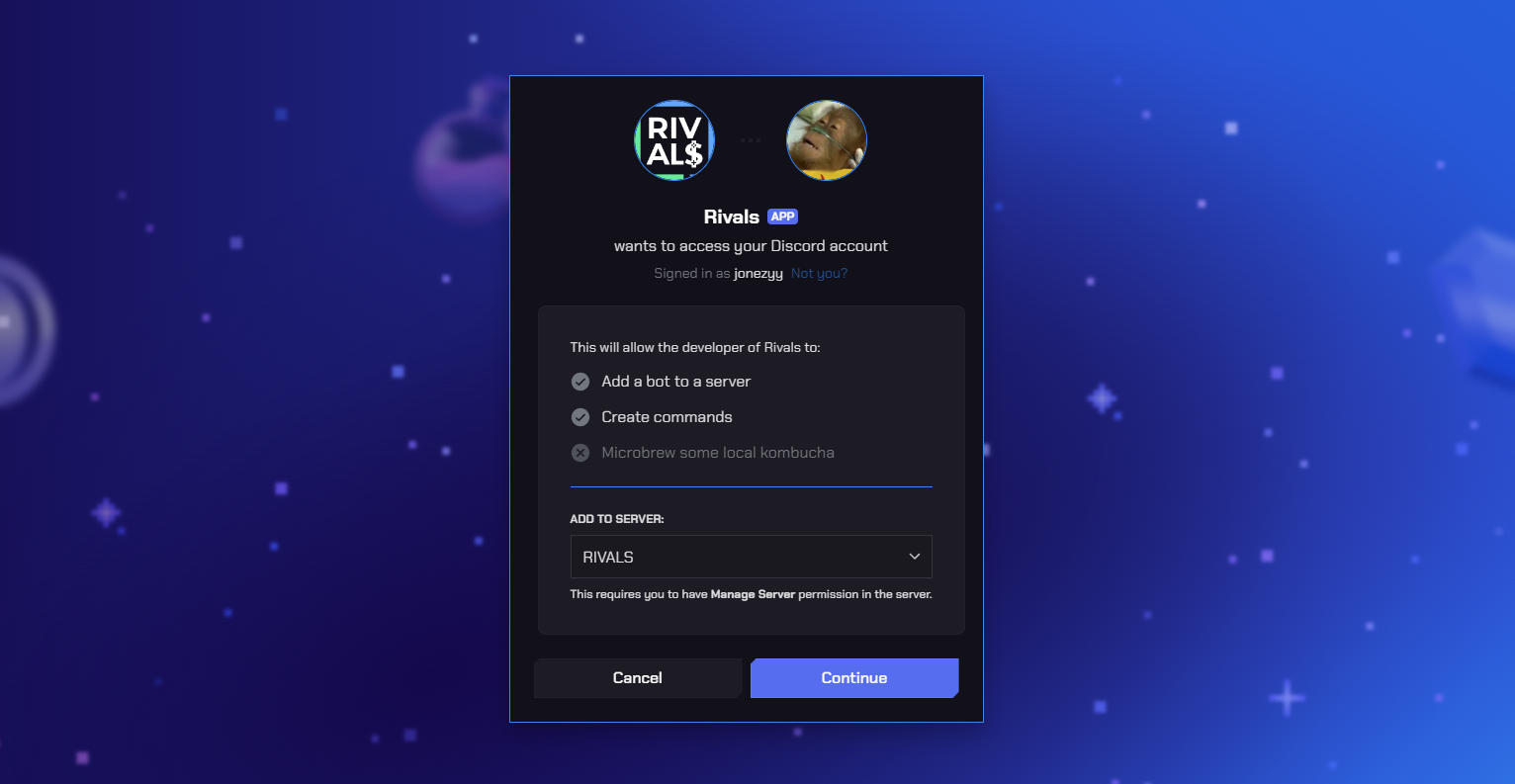
Connect Rivals to your server
Click the button below to connect Rivals to your Discord server. Grant the required permissions to enable tournament functionality.
Link your account
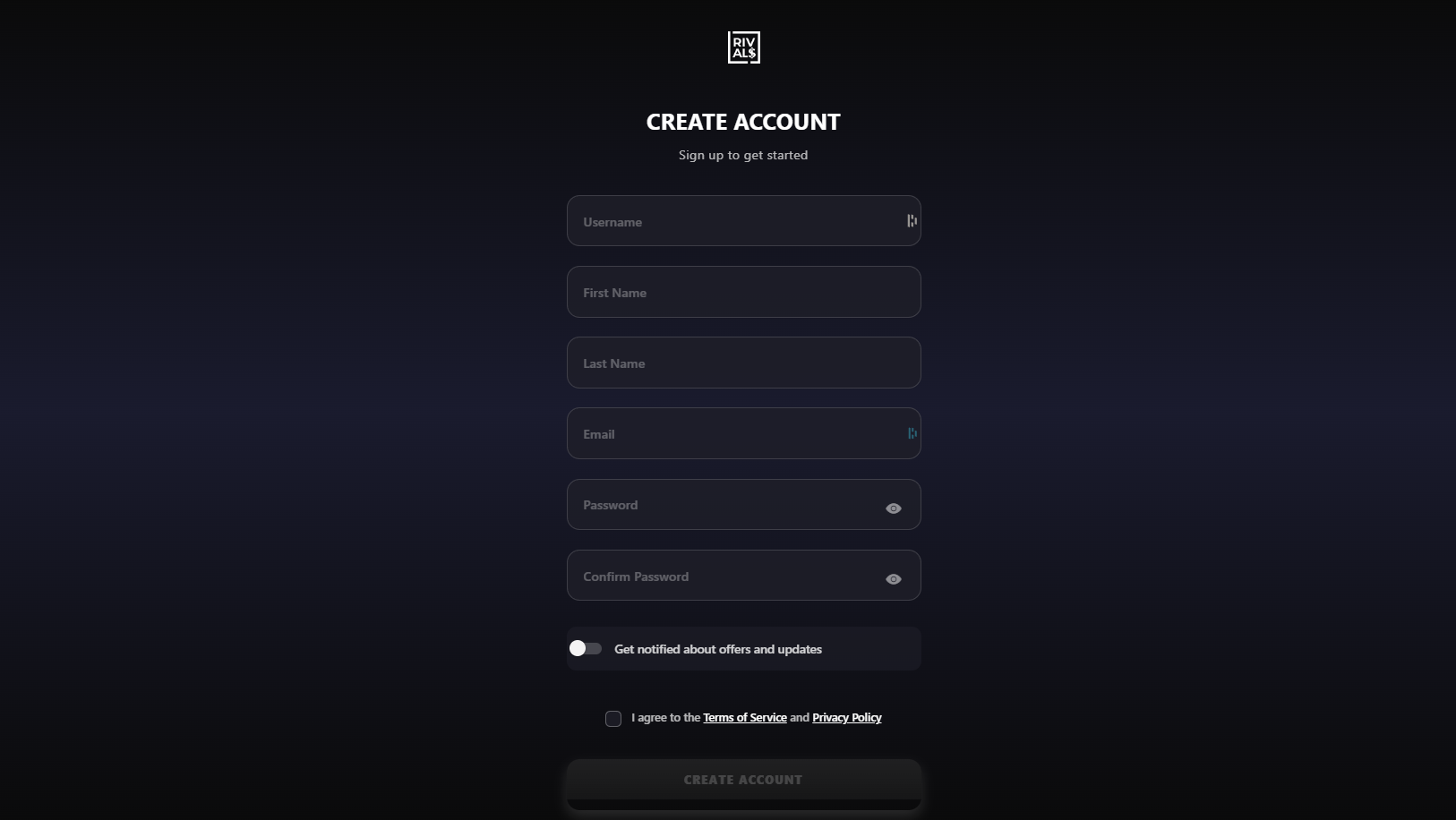
Use the /create-rivals-account command to create an account on our website and link your Steam account. This connects your Discord identity with your gaming profile.
Create a Tournament
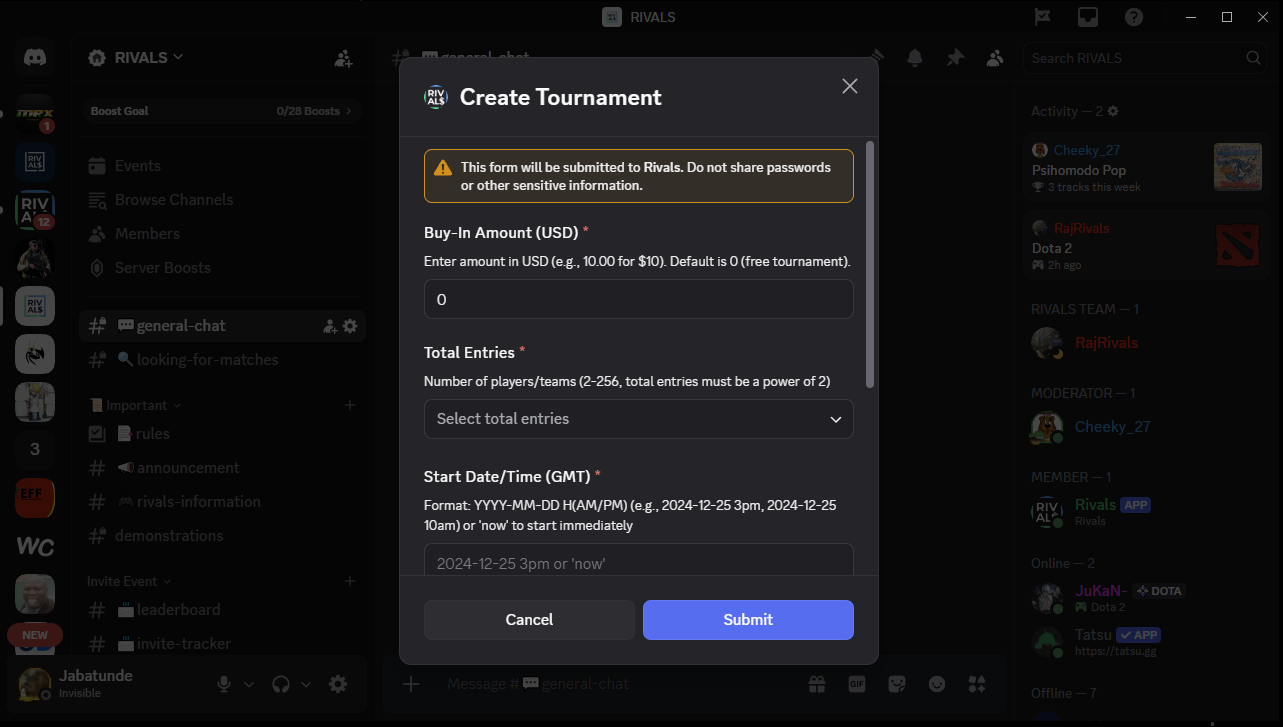
Use the /tournament command to create a tournament. Set an entry fee for prize pools or just play for fun. Once everyone readies up, games are automatically created and players move through the bracket.
Ready to run tournaments?
Join hundreds of organizers already using Rivals to host competitive Dota 2 events.
Get Started Now